Mitsubishi MUT-3 J2534 Driver: What It Is and What to Verify Before You Buy
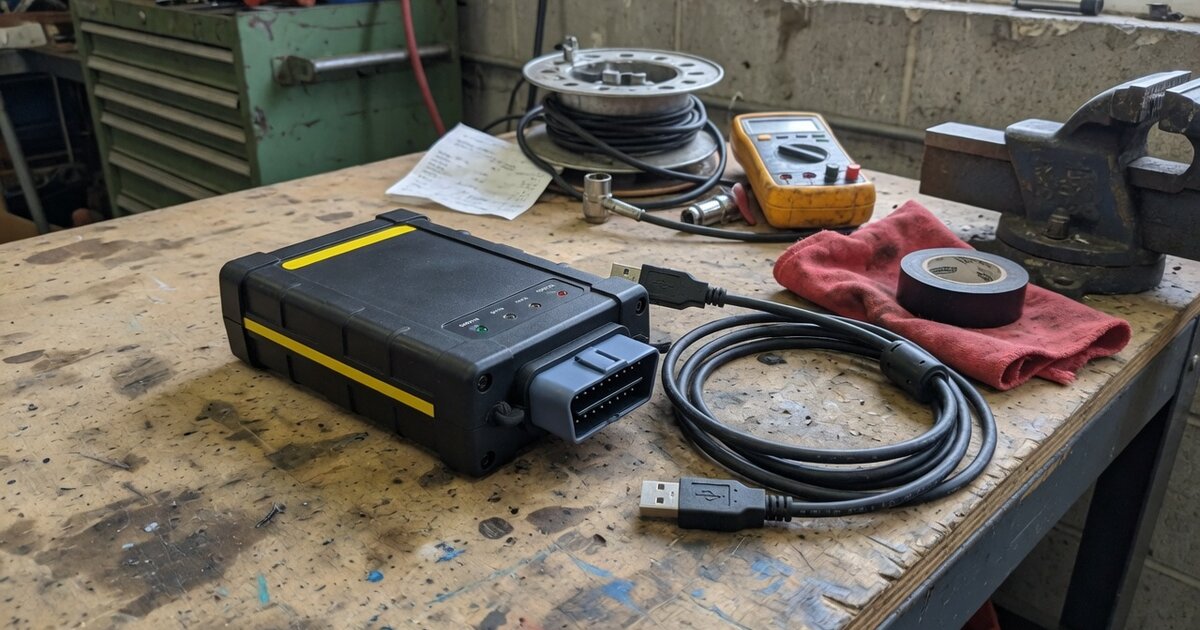
Search for "Mitsubishi MUT-3 J2534 driver" and you will land on two very different products that happen to share the same name. One is Mitsubishi's own reprogramming path, built on its MUT-III SE service software and a short list of validated pass-thru interfaces. The other is a third-party driver package, sold on tuning and locksmith forums for well under the cost of dealer equipment, that lets a generic J2534 box impersonate an official MUT-3 dongle. Both show up in the same search results, which is exactly why the term causes confusion. This article separates what Mitsubishi actually documents from what independent sellers claim, so you know which one you are actually buying before you spend money on a driver, a dongle, or a subscription.
What's actually confirmable about MUT-III and J2534
Mitsubishi's dealer-level diagnostic and reprogramming software is called MUT-III, distributed through the MEDIC system and, more recently, as MUT-III SE. Mitsubishi also publishes a "Right-to-Repair" (R2R) variant intended for independent shops, and that version is documented as working with J2534 pass-thru devices rather than a proprietary dongle only. That much lines up with how most other manufacturers handle aftermarket reprogramming access under SAE J2534, a topic covered in general terms in our J2534 VCI driver installation and troubleshooting guide if you need the baseline before going brand-specific.
What is unusual about Mitsubishi's implementation is how narrow the validated hardware list is. Mitsubishi's own documentation names only two pass-thru devices as tested and validated for its reprogramming procedures: the Drew Technologies CarDAQ-Plus 3, running a specific 1.9.38 driver build, and the Bosch MVCI, running driver version 13.0.75.27. Other interfaces, including well-known ones like Tactrix's OpenPort 2.0, come up repeatedly in shop discussions as usable, but they are not the devices Mitsubishi itself has signed off on. Access to the reprogramming side also requires a login to Mitsubishi's own server, and the company is explicit that a PCM reflash is only authorized when a specific Technical Service Bulletin calls for it — this is not a tool you point at a car simply because a fault code suggests reflashing might help.
Separately, and this is the product most people mean when they search for a "MUT-3 J2534 driver," there is a third-party driver bundle circulating on forums such as MHH Auto and DHT Auto. It is typically sold as a driver package plus a separate USB security dongle, priced far below anything Mitsubishi charges, and marketed as giving generic J2534 interfaces — Scanmatik 2, OpenPort 2.0, and similar boxes — the ability to run the full original MUT-III and MUT-III lite software without owning Mitsubishi's own scan tool hardware. Sellers describe it as unlocking dealer-only functions like key registration, VIN coding, battery calibration, and module programming. None of this comes from Mitsubishi, is not listed on any Mitsubishi validation page, and its origin, update path, and long-term reliability are not independently verifiable — it lives entirely in the gray aftermarket, the same space where similar unofficial drivers exist for other brands.
What to consider before buying/using it
Start by figuring out which job you actually have. If the work is a documented PCM or module reflash tied to a real repair, the TSB requirement and the Mitsubishi server login are not optional regardless of which driver you run — a cracked driver does not remove that gate, it only changes the hardware you use to get there. If the work is general diagnostics, coding, or key-related functions on used or independent-shop vehicles, the calculus around a third-party driver is different, but so is the risk you're accepting.
If you're leaning toward hardware outside Mitsubishi's validated pair, understand that you are outside documented support. The CarDAQ-Plus 3 and Bosch MVCI are named with exact driver versions for a reason — mismatched or newer driver builds on the same hardware are a known source of mid-flash failures in J2534 reprogramming generally, not just on Mitsubishi platforms. Before committing to any unvalidated interface, review how pass-thru driver installation and version matching normally goes wrong, which is covered device-agnostically in the J2534 VCI driver installation and troubleshooting guide.
If you're specifically weighing a third-party MUT-3 driver bundle, treat the security dongle and driver as unsupported software with no accountable vendor behind it. There is no official changelog, no guaranteed compatibility with future MEDIC updates, and no recourse if it corrupts a module mid-write. Compare that against the real cost of a legitimate subscription plus one of the two validated interfaces, especially if you handle enough late-model CAN-equipped Mitsubishi vehicles that reprogramming is a recurring job rather than an occasional one. For a shop doing this rarely, the math tilts toward paying for official access on the specific jobs that need it rather than running unverified drivers on customer vehicles.
Common mistakes to avoid
The most common mistake is assuming that "J2534" alone means universal compatibility — Mitsubishi validated exactly two devices with exact driver versions, and everything else, official or not, is running unsupported. A second mistake is skipping the TSB check: Mitsubishi is explicit that a PCM reflash outside an applicable bulletin is not an authorized repair, and that rule doesn't change because the hardware in your hand is different.
Shops also frequently confuse MUT-III itself, which is Mitsubishi's own software tied to its own login and update system, with generic aftermarket scan tools marketed as "MUT-III compatible" — the two behave very differently once you need module programming rather than basic code reading. Another practical mistake is installing a third-party MUT-3 driver alongside a genuine MEDIC or MUT-III SE installation on the same machine; conflicting J2534 driver registrations are a well-documented cause of pass-thru failures across brands, and mixing an unofficial dongle emulator with a legitimate install multiplies that risk. Finally, don't treat a security-critical write — SRS, ABS, immobilizer, key registration — as a good place to test unverified hardware or drivers for the first time; validate any new setup on low-stakes reads before trusting it with something that can leave a vehicle undrivable if interrupted.
Frequently asked questions
Is the "Mitsubishi MUT-3 J2534 driver" sold on forums an official Mitsubishi product?
No. Mitsubishi's own reprogramming documentation names only two validated J2534 interfaces with specific driver versions. The driver-and-dongle bundles sold on tuning and locksmith forums for generic interfaces are third-party products with no listed connection to Mitsubishi, and their origin and update reliability can't be independently verified.
What's the difference between MUT-III, MUT-III SE, and MEDIC?
MEDIC is the broader Mitsubishi dealer diagnostic platform; MUT-III is the diagnostic and reprogramming software within it, and MUT-III SE is a more recent revision. Mitsubishi also publishes an R2R (Right-to-Repair) variant meant for independent shops that is documented as working over J2534 rather than requiring the dealer-only dongle.
Can I use any J2534 interface with Mitsubishi's software?
Only two devices are named as validated by Mitsubishi: the Drew Technologies CarDAQ-Plus 3 on driver version 1.9.38, and the Bosch MVCI on driver version 13.0.75.27. Other interfaces are reported working by users in forum discussions, but they aren't on Mitsubishi's own validated list, so you're relying on community reports rather than documented support.
Do I need a Mitsubishi subscription just to reprogram a PCM?
Yes. Reprogramming access runs through a login to Mitsubishi's own server, and the company states a PCM reflash is only authorized when a specific Technical Service Bulletin calls for it. Neither requirement is bypassed by using a different piece of J2534 hardware or a different driver.
Is the third-party MUT-3 J2534 driver safe to use on a shop vehicle?
That depends on how much risk you're willing to accept. It has no official vendor, no guaranteed compatibility with future software updates, and no support channel if a write fails partway through. Shops that use it generally reserve it for diagnostics and coding rather than safety-critical module programming, and avoid running it on the same machine as a genuine MEDIC installation.
How does Mitsubishi's approach compare to other manufacturers' J2534 setups?
It follows the same general pattern other brands use — a manufacturer-specific software layer running on top of the SAE J2534 pass-thru standard, with its own validated hardware and login requirements. We cover two other brand-specific implementations in similar detail: see our breakdowns of Launch's J2534 setup and Honda's DiaLink J2534 interface for comparison on how validated-hardware lists and subscription requirements typically work across manufacturers.