Scanmatik SM2 Pro J2534 Driver: What It Actually Supports
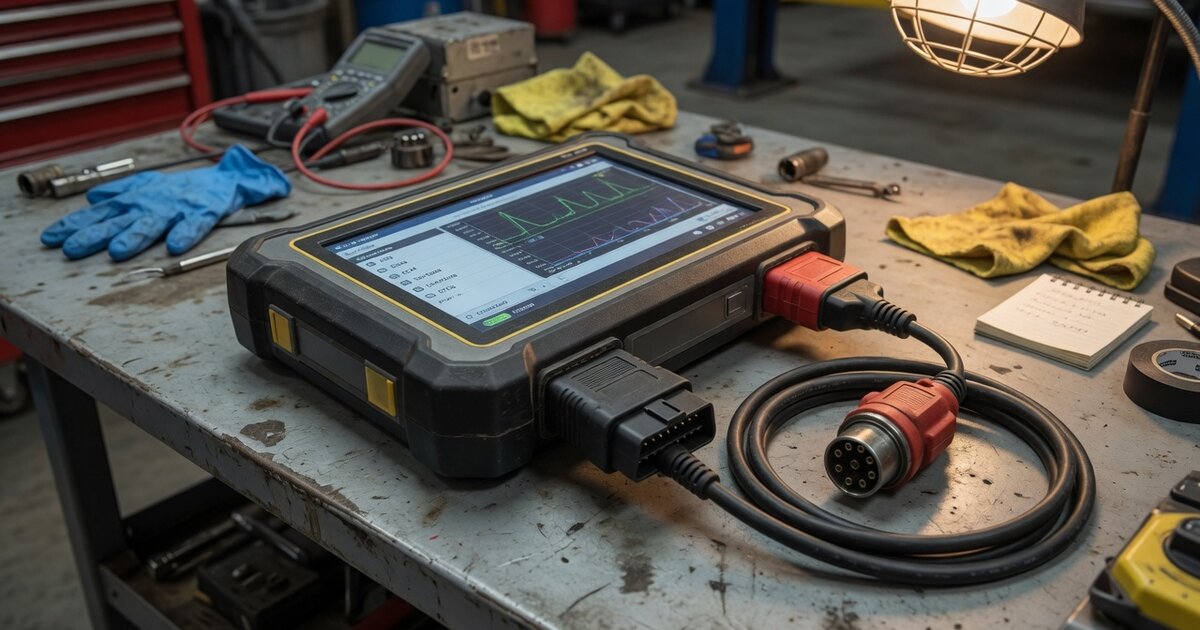
The Scanmatik SM2 Pro is a Russian-made multibrand diagnostic and ECU tuning interface that shows up constantly in chip-tuning circles across Eastern Europe, and increasingly in Western shops doing PCMflash-based ECU work. Part of its appeal is that it doesn't stay locked to its own diagnostic app — it can act as a pass-thru interface for third-party software built on the SAE J2534 and RP1210 standards. That's what people are searching for when they type "Scanmatik SM2 Pro J2534 driver": whether it will actually talk to ODIS, Techstream, ForScan, or a flasher like PCMflash, and where to get the driver that makes that happen. This article sticks to what's documented by Scanmatik and reported by real users, rather than assuming every J2534-branded box behaves identically. For the mechanics that apply across brands, see our J2534 VCI driver installation and troubleshooting guide; this piece focuses on what's specific to the Scanmatik hardware.
What's actually confirmable about Scanmatik SM2 Pro and J2534
Scanmatik publishes a dedicated J2534/RP1210 driver package separate from its main diagnostic application, along with a technical guide ("SM2 J2534-RP1210 Adapter Guidance and Practice") that has gone through multiple revisions over several years. The existence of that driver, actively maintained with version updates, is the most solid confirmation that the device is meant to function as a genuine pass-thru interface rather than a diagnostic tool that merely borrows the J2534 name for marketing.
According to Scanmatik's documentation and reseller listings, the SM2 Pro works with software written for both the SAE J2534-1/2 API and the TMC RP1210 standard, and the newer SM3 hardware adds DPDU API (ISO 22900-2) support on top. In practice, users report successfully running the adapter with VAG ODIS, Toyota Techstream, Ford ForScan, GM GDS2/SPS, Nissan Consult III+, Renault CAN Clip, Volvo VIDA, and JLR SDD, as well as ECU-tuning flashers such as PCMflash, Combiloader, and Chiploader — a broad list that explains why the device is popular with independent tuners who need one box that can both flash and diagnose.
What's worth being explicit about is what isn't independently verifiable. Scanmatik's guides describe conformance to the J2534-1/2 and RP1210 APIs, but there's no publicly accessible SAE registry page to cross-check the device against, the way there is for some larger-brand tools. That doesn't mean the claim is false — plenty of niche, regional J2534 hardware self-certifies against the published API spec rather than going through a formal registration process. It means "J2534 compliant" here rests on vendor documentation and the collective experience of users running real OEM software against it, not a third-party certificate you can look up.
It's also worth not confusing the official driver with the community SM2CAN project, an open-source, reverse-engineered USB driver that lets the SM2 Pro talk to macOS and Linux over raw CAN via python-can. That's useful for developers wanting cross-platform CAN access, but it is not a J2534 pass-thru driver and doesn't give compatibility with ODIS, Techstream, or any other OEM software. For actual pass-thru work, the official Windows driver remains the only realistic path — there's no native Mac or Linux J2534 driver for this device.
What to consider before buying/using it
The most practical thing to check before buying is which exact model and driver revision the seller is shipping. Scanmatik's lineup includes the older SM2, the SM2 Pro, and the newer SM3, and driver versions are not always interchangeable — release notes warn that newer software will not work with old USB-NDIS driver builds, and the driver version has to match what the diagnostic or flasher software expects. If buying from a reseller rather than directly from Scanmatik, ask which firmware and driver version ships with the unit, since sellers in this market update at different cadences.
Also budget time for OEM-specific configuration rather than plug-and-play behavior. ForScan requires manually selecting "J2534" as the connection type and "SM USB" as the adapter; Nissan Consult III+ needs a line added to its DiagnosticTool.ini file; other software has its own adapter-selection step. Driver installation is only step one — each program has its own setup quirk worth researching in advance.
If your goal is ECU tuning rather than OEM diagnostics, it's worth comparing where a J2534 pass-thru device like this fits against other approaches. Our guide to piggyback, flash, and standalone ECU tuning tools explains how pass-thru flashing — what the SM2 Pro is used for with tools like PCMflash — compares to bench programming and piggyback tuning boxes; the right category depends on which vehicles and ECU families you actually work on.
Common mistakes to avoid
A recurring issue in user forums is running the main Scanmatik diagnostic application and a third-party J2534/RP1210 program at the same time — the two compete for the adapter, and Scanmatik's guidance is to fully close the diagnostic app before launching J2534-based software, and vice versa. Leaving the wrong app open is a common, easily overlooked cause of "interface not found" errors.
Another frequent mistake is mixing driver and firmware versions. Because Scanmatik ties new releases to specific USB-NDIS driver versions and, on the SM3, specific Wi-Fi module firmware, installing newer software on top of an old driver (or the reverse) can produce connection instability that looks like a hardware fault but is really a version mismatch. Check the driver version in Windows Device Manager against what the current release expects before assuming the adapter itself is defective.
Toyota Techstream in particular has a reputation among Scanmatik users as the most demanding software for a correctly implemented J2534 API, with some reporting connection-drop errors and slow module reads. If buying the SM2 Pro specifically to run Techstream, search current user reports for your driver version first. That's also useful context if you're weighing this device against other pass-thru hardware; our writeup on what to know before buying a Launch J2534 interface covers similar OEM-software compatibility trade-offs from a different brand's perspective.
Finally, don't assume a J2534 driver means every OEM tool function will work flawlessly. Pass-thru compliance covers the communication layer between software and vehicle; it doesn't guarantee every dealer-level function will behave identically to a factory VCI. Cross-check specific procedures you need against current user reports.
Frequently asked questions
Does the Scanmatik SM2 Pro have an official J2534 driver?
Yes. Scanmatik distributes a dedicated J2534/RP1210 driver package, separate from its main diagnostic app, with a technical guide documenting how it implements the J2534-1/2 and RP1210 APIs. The driver has received multiple version updates over several years, indicating active, ongoing support rather than a one-off release.
Will the SM2 Pro work with VW/Audi ODIS or Toyota Techstream?
Users report running both, along with Ford ForScan, GM GDS2/SPS, Nissan Consult III+, Renault CAN Clip, Volvo VIDA, and JLR SDD through the J2534 driver. Techstream is the one most often flagged as demanding in terms of correct API behavior, so results can vary more with driver version there than with the others.
Can I use the SM2 Pro's J2534 driver on Mac or Linux?
Not for actual pass-thru work. The official J2534/RP1210 driver is Windows-only. A separate open-source project (SM2CAN) provides raw CAN access on macOS and Linux via python-can, but it's a reverse-engineered, independent tool aimed at developers, not a substitute for the official driver, and not compatible with OEM diagnostic software.
Why does my J2534 software say "unable to use selected interface" with the SM2 Pro?
The most commonly reported causes are the main Scanmatik app still running in the background — it needs to be fully closed before using J2534/RP1210 software — or a mismatch between the installed USB driver version and what the current release expects. Check Device Manager for the driver version and confirm no other Scanmatik process is holding the port.
Is Scanmatik SM2 Pro SAE J2534 certified?
Scanmatik documents the device as conforming to the J2534-1/2 and RP1210 APIs, but there's no publicly accessible independent registry to confirm formal certification, unlike some larger-brand tools. Treat "J2534 compliant" here as a vendor claim backed by an actively maintained driver and broad real-world usage, not a third-party-verified certificate.
Is the SM2 Pro the same as the SM3, and does it matter for J2534 compatibility?
No, they're different hardware generations. The SM3 is newer and adds CAN-FD, DoIP, and DPDU API (ISO 22900-2) support on top of what the SM2 Pro offers. Driver packages and firmware are version-specific to each generation, so confirm you're using files matched to your exact model rather than assuming SM2 Pro and SM3 resources are interchangeable.