OBDSTAR F100 program Mazda CX5 all key lost
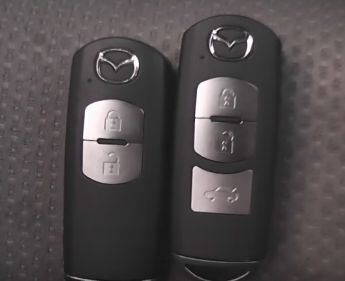
OBDSTAR F100 Ford/Mazda key programmer has successfully programmed smart key for Mazda CX5 by obdstar technician.
Devices:
two keys, OBDSTAR F100 key programmer
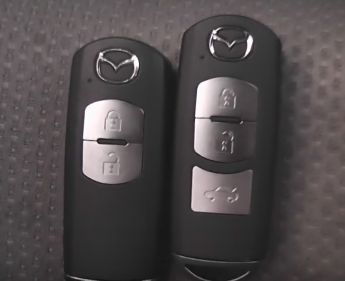
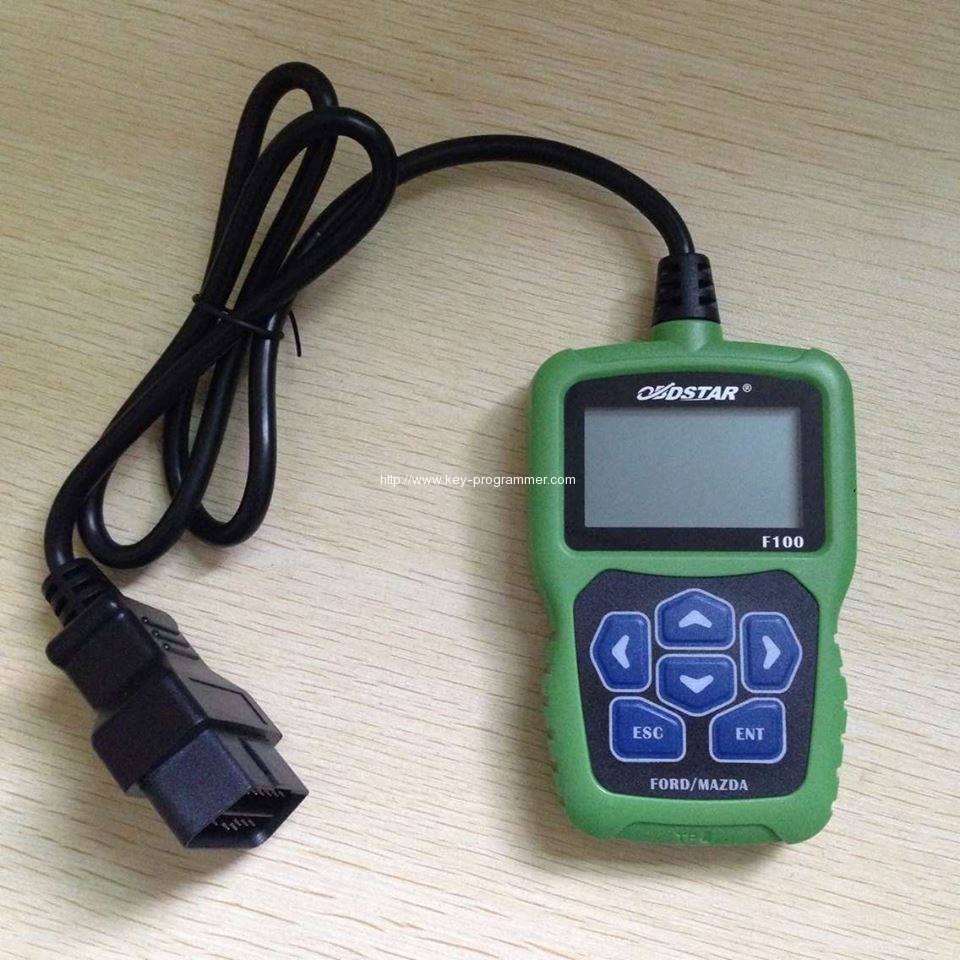
Vehicle model: Mazda CX5
Steps:
(Notice: there are two selections ENT and ESC at the bottom of the OBDSTAR F-100. Press ENT means to continue,and press ESC means to return.)
Connect F100 to the car.
The programmer tool starts, and press ENT
Select Mazda CX5
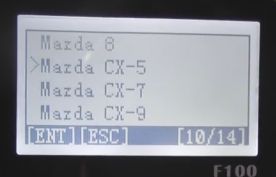
With start
Connecting
Switch ignition on
Follow the tip that all the smart key out of the car 1 meters away.
Communication
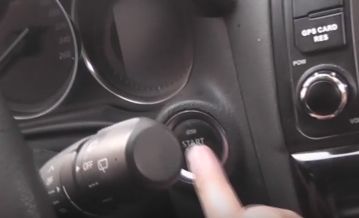
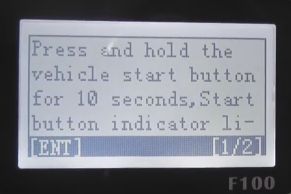
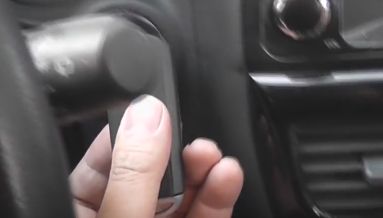
Press and hold the vehicle start button for 10 seconds, Start button indicator
Select all smart keys lost
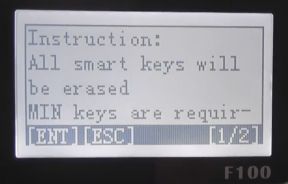
Instruction: All smart keys will be erased, MIN keys are required
Switch ignition on
Communication
Current number of smart key:2
Press ENTER to continue, press ESC to return
Configuring the system, please wait…
Reading vehicle information…
Configuring the system, please wait…
Current number of smart key: 0
Erase complete
Configuring the system, please wait…
Switch ignition off
Press press button and follow the steps
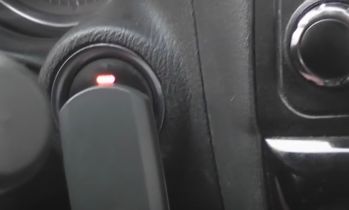
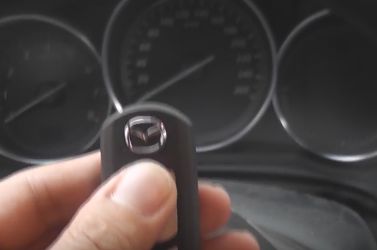
Use a new smart key to contact start button, press ENTER to continue
Configuring the system, please wait
Current number of the system smart keys: 1
Program success, whether to program next one? Press ENTER to continue ,press ESC to return.
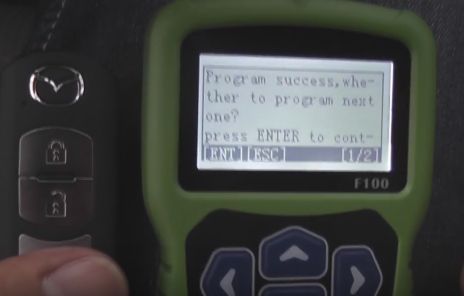
Switch ignition off and configuring the system, please wait…
Press start button and follow the same steps like the first key
Then current number of smart keys: 2
You have to complete the following procedures, engine can be started:
Switch ignition off
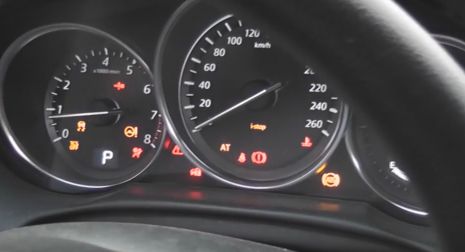
Put on the brakes, the key 1 press start button to start the engine for 3 seconds, then turn off the ignition switch
If you want to add more keys, please repeat procedure 2, complete.
Finally, test the new keys to test if they can work.
http://www.obdii365.com/wholesale/f100-key-programmer.html