xtool-kc501
-
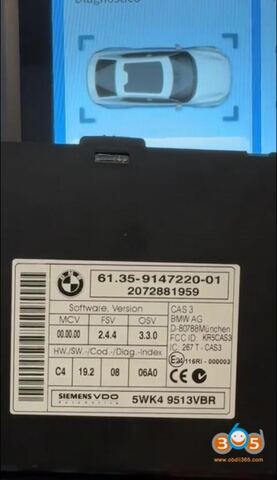
Program BMW CAS3+ All Keys Lost with Xtool + KC501
How to read engine ECU ISN code and program BMW CAS3+ all keys lost using xtool x100 pad3/pad elite. Model example: BMW X1 2014 Procedure: Step 1: Read
-
Program VW Passat CC 2014 ID48 All Keys Lost with Xtool X100 PAD3
In this guide, we’ll walk through the process of creating a dealer key using the XTOOL IP900/D9/X100 PAD3 etc and KC501 programmer. This method involves
-
Xtool KC501 Read BMW CAS3+ 0L15Y IMMO Data
How to read BMW CAS3+ 0L15Y immobilizer data using xtool x100 pad3/D9S/H6 pro etc + KC501 programmer. Select Special Function- EEPROM- EEPROM Adapter-
-
How to Add Skoda Fabia 2019 MQB NEC35XX Key with Xtool X100 PAD3
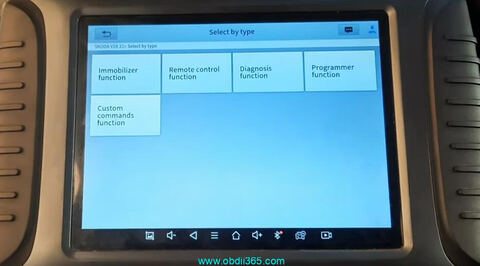
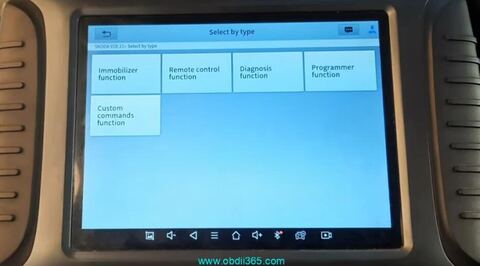
Skoda Fabia 2019 with locked MQB NEC 35xx key programming successfully using xtool x100 pad3 via OBD. Connect x100 pad3 with vehicle. Select Skoda->Select by
-
How to Add Skoda Fabia 2019 MQB NEC35XX Key with Xtool X100 PAD3
Skoda Fabia 2019 with locked MQB NEC 35xx key programming successfully using xtool x100 pad3 via OBD. Connect x100 pad3 with vehicle. Select
-
Xtool KC501 Read Porsche BCM 2011-2017 2M25J
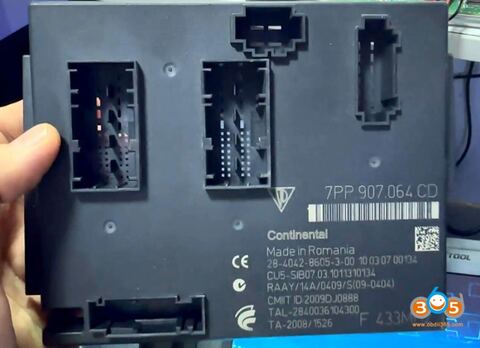
How-to: read Porsche Continental BCM which was installed in all cars from 2011 to 2018 using Xtool tablet (X100 PAD3, X100 MAX, H6, H6 Pro, and many more)
-
Program Volvo XC60 2021 All Key Lost by Xtool X100 PAD3
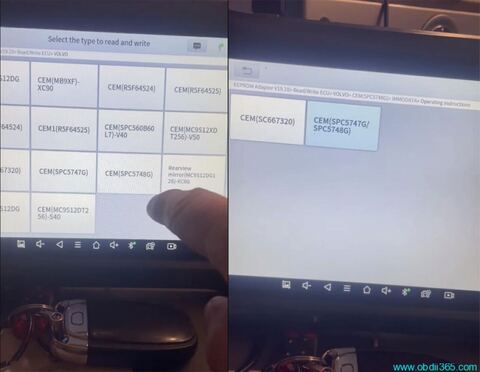
How to program Volvo xc60 2021 hybrid all key lost by xtool x100 pad3 and KC501 programmer. Select EEPROM Adapter->Read/Write
-
Xtool IK618 Program Toyota 8A Blade All Keys Lost via M822 Adapter
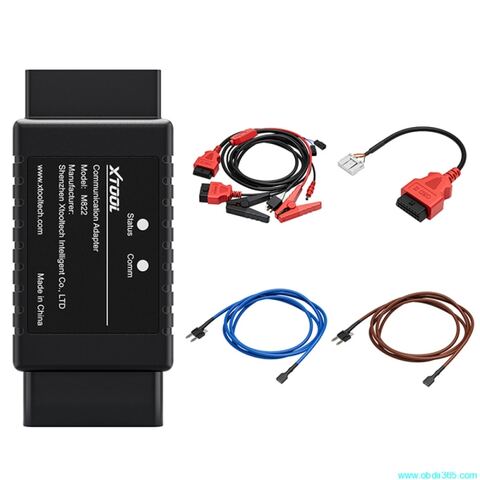
Tutorial: How to program Toyota 8A (H) Chip non-smart key all key lost using Xtool and M822 adapter. Tool used: Xtool InPlus IK618 (or X100 PAD3, X100
-
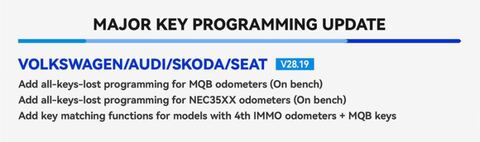
Xtool Now Supports VAG MQB NEC35XX Key Programming
Xtool tech released a new VAG Software update on September 10th, 2023. This update adds VAG MQB all keys lost programming. VAG IMMOBILIZER Software V28.19
-
Xtool Program 2019+ Toyota 8A/4A Proximity without Passcode
Xtool tech released 2019+ Toyota 8A/4A Smart Key Programming (Via key emulation & generation) function on Oct. 2022. Check Instruction below. Tools
-
Can I Use Xhorse or CGDI MB Key with Xtool KC501?
Question: Can I use vvdi key or cgdi Mercedes key and program it with Xtool kc501 ??? Answer: Both Mercedes BE key and BGA key from VVDI / CGDI can be
-
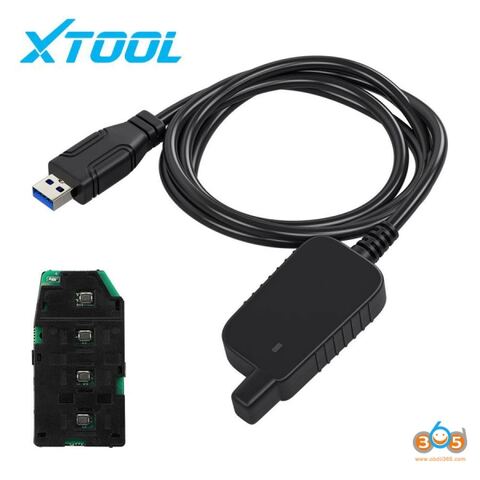
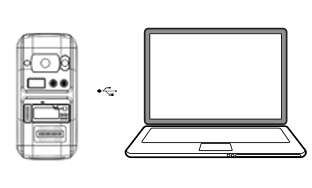
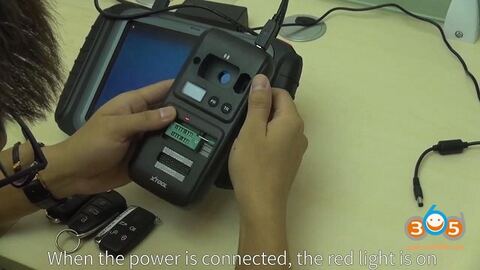
How to connect Xtool KC501 with X100 PAD3 Key Programmer
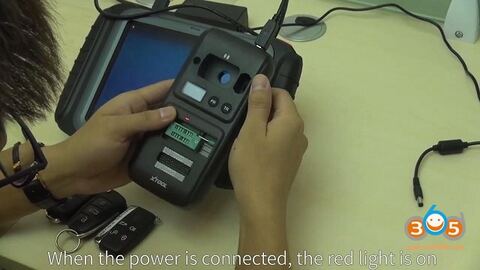
Here is the tutorial of how to use Xtool KC501 with X100 PAD3 key programmer to read remote frequency / transponder ID / chip type Task specified: Firstly press
-
How to connect Xtool KC501 with X100 PAD3 Key Programmer
Here is the tutorial of how to use Xtool KC501 with X100 PAD3 key programmer to read remote frequency / transponder ID / chip type Task specified:
-
How to use Xtool KC501 Read Write Chip, Generate Key etc
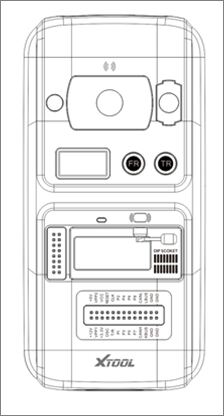
The Xtool KC501 Key and Chip Programmer user manual for you all : Part 1. About KC501pad KC501 key programmer: – Support registers,
-
OBD add Mercedes Benz Infrared Key by Xtool KC501 + X100 Pad3
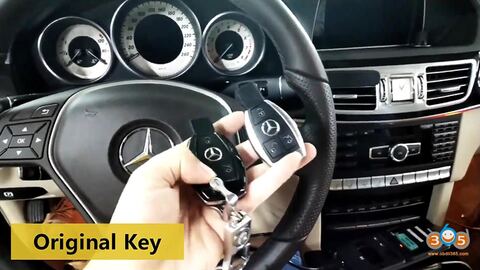
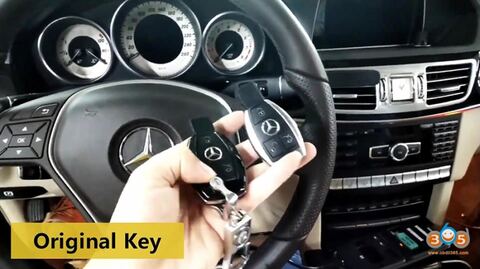
Purpose: add a Mercedes infrared key via OBD without having to disassemble anything. Tools use: Xtool X100 PAD3 + KC501 Chip and Key Programmer I have two keys
-
OBD add Mercedes Benz Infrared Key by Xtool KC501 + X100 Pad3
Purpose: add a Mercedes infrared key via OBD without having to disassemble anything. Tools use: Xtool X100 PAD3 + KC501 Chip and Key Programmer I have
-
XTOOL KC501 Manual: Update & How to add new key
The user manual of XTOOL KC501 key & chip programmer: Part 1: How to update XTOOL KC501? Part 2: How to use XTOOL KC501? ( How to add a key with X100
-
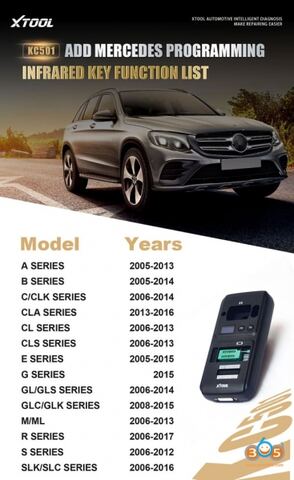
Xtool KC501 Adds Mercedes Infrared Key Function List
The Xtool KC501 chip and key programmer adds Mercedes Benz Infrared key function list on July 30th, 2020. Supports following Mercedes IR key programming:
-
Xtool KC100 vs. KC501 Adapter
Xtool KC501 Key & Chip programmer, working together with Xtool tablets, is an upgrade version of KC100 IMMO adapter. The following parts are about
-
Program BMW EWS2 EWS3 EWS4 Key with Xtool X100 PAD2
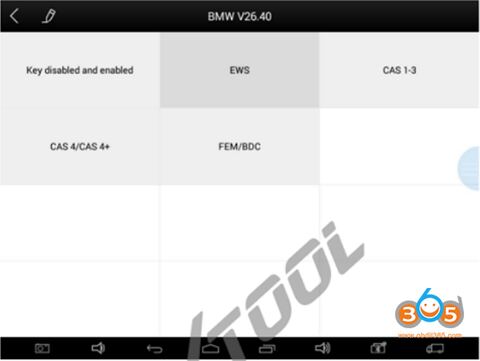
Xtool supports BMW EWS2 EWS3 EWS4 all keys lost and add key, but not by OBD2. You need to read D-FLASH/EEPROM data first. Device required: Xtool x100 pad2/ x100
-
Program BMW EWS2 EWS3 EWS4 Key with Xtool X100 PAD2
Xtool supports BMW EWS2 EWS3 EWS4 all keys lost and add key, but not by OBD2. You need to read D-FLASH/EEPROM data first. Device required: Xtool x100